
Efficient channel correction: New channel curve functions in Moldex3D
ESPECIALLY FOR OUR USERS
The modeling of the cooling channels is taking too long again because the centerlines are interrupted? This can lead to frustration and in the worst case to an overly simplified model and thus to quality losses in the results. The new Moldex3D features provide remedy.
The modeling of the cooling channels is taking too long again because the centerlines are interrupted? This can lead to frustration and in the worst case to an overly simplified model and thus to quality losses in the results. The new Moldex3D features provide relief.
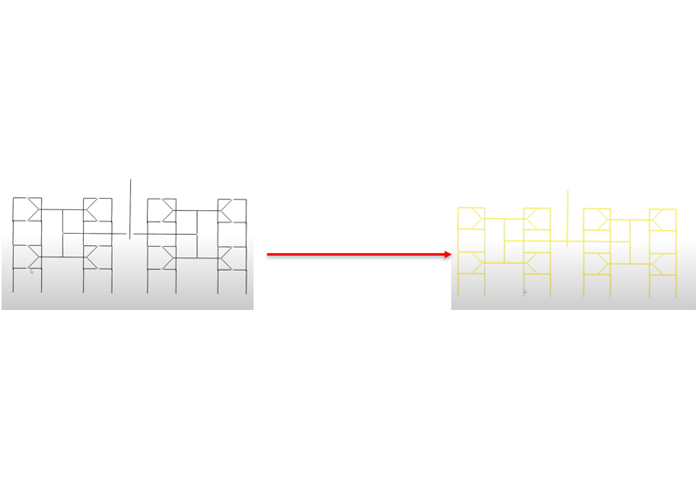
In the current Moldex3D version there are new tools to efficiently edit interrupted, overlapping, and crossing lines. The causes are often imprecise constructions or the conversion of 3D formats, which cause centerlines to be interrupted. Such line disruptions are often only noticed during the cooling channel layout check or, if that check is skipped, during meshing. Sometimes the interruptions are so short that they are not visible at first glance.
Our solution: the new function “Connect Channel Curve.” Simply select the connected curve and apply this function. Alternatively, the “Connect Curve” function can be used to automatically connect, for example, skewed curves with gaps. This saves you time in debugging and improves the accuracy of your cooling channel layout.